CONE BEAM Video
How to Share CBCT Scans Using DS Core
Dr. Steven Hernandez
CDOCS Faculty

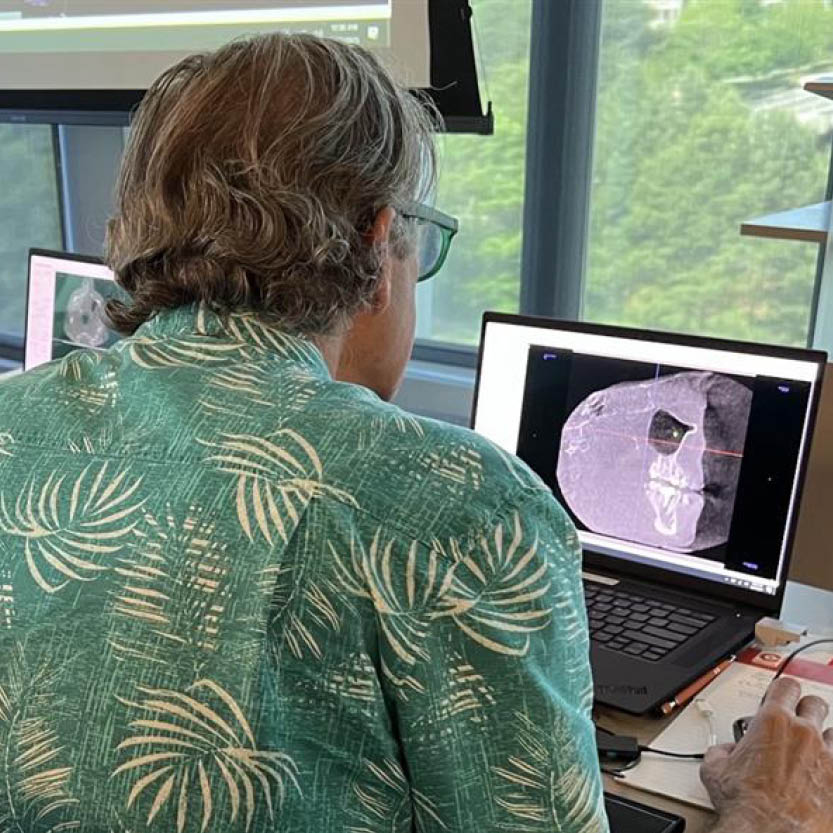
Gone are the days of burning DVDs or handing out thumb drives — this video shows how to share a full CBCT volume with any specialist in seconds directly from DS Core. Recipients need no special software to view the scan, making referral communication faster and more professional than ever before.
- Open DS Core and pull up the patient’s scan.
- Click the checkbox next to the scan. A Share tab appears.
- Click Share and enter the recipient’s email address, whether a specialist, physician, or the patient.
- Add a message describing what you want them to look at.
- Choose whether to remove the patient’s personal information and set how long the link stays active, from seven to one hundred eighty days.
- Hit Send. The recipient just logs into DS Core to view the file, no special software or hardware required on their end.

Related CDOCS Hands-On Workshops
Implementing Cone Beam for Practical Utilization (CB110)
Get comfortable with cone beam technology through hands-on training in CBCT hardware operation, full volume review, and Sidexis and Sicat software suites, including introductions to CAD/CAM integration, airway analysis, and implant and endodontic applications to unlock your system’s full potential.

Maximizing Diagnostic Efficiency with Cone Beam (CB210)
Enhance your ability to systematically review CBCT volumes, identify and categorize radiographic abnormalities, and effectively collaborate with maxillofacial radiologists.