CAD/CAM Video
How to Fix Partial Interproximal Contact in CEREC
Dr. Mark Flemmaing
CDOCS Faculty

This quick tip video shows how to diagnose and correct a partial interproximal contact caused by tooth rotation in a biocopy case using the model axis adjustment in your CAD/CAM software. In just a few steps, clinicians can achieve a full, accurate contact and avoid sending suboptimal restorations to manufacture.
- Notice the partial contact and go to Model Axis to check how the tooth is sitting in the model.
- Identify whether the tooth is rotated relative to the interproximal contact.
- Adjust the model axis so the tooth sits at a right angle to the contact.
- Confirm the change and go back to Design.
- Recheck the contact once the new design loads. It should now show a full contact.
Related CDOCS Hands-On Workshops
Core Workflows with Chairside CAD/CAM (CL200)
Master CEREC’s full potential with hands-on practice in crown fabrication, occlusion, multi-unit bridges, material selection, and digital workflows — empowering both new and experienced users to deliver faster, more predictable chairside restorations.
Provisionalizing and Restoring Implants with Chairside CAD/CAM (CL300)
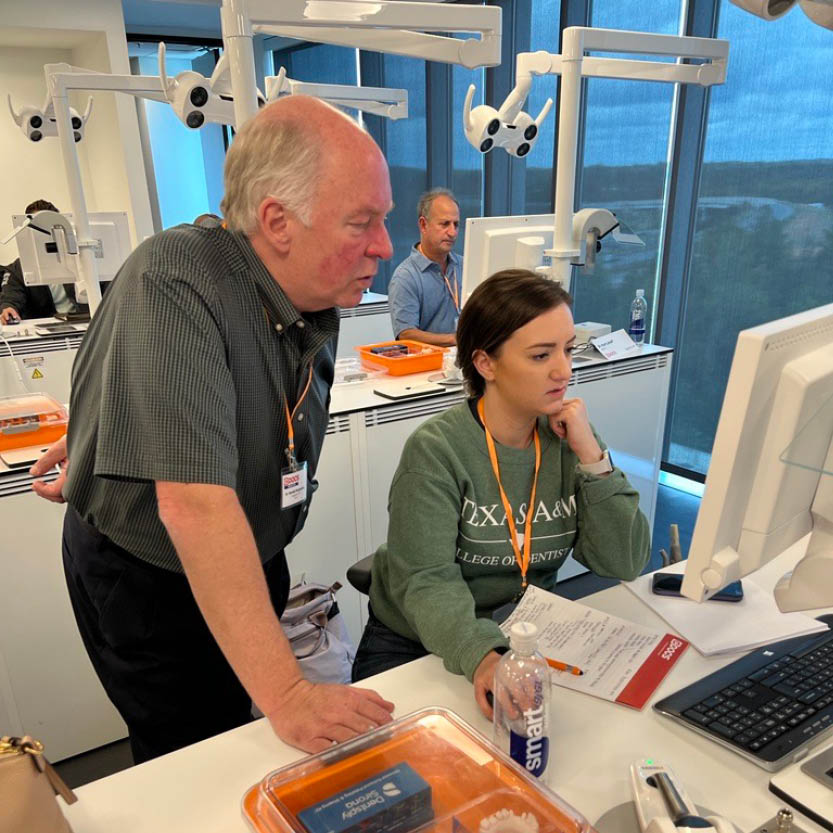
Maximize your CEREC ROI by mastering chairside implant restoration — from screw-retained and custom abutment crowns to provisional restorations, custom healing abutments, and CBCT-integrated prosthetic planning for single-visit, long-lasting results.